How to Get a GST Invoice on Amazon and Flipkart (and Claim Input Tax Credit)
Need a GST invoice on Amazon or Flipkart? Learn how to add your GSTIN at checkout, download the invoice and check it before you claim input tax credit.
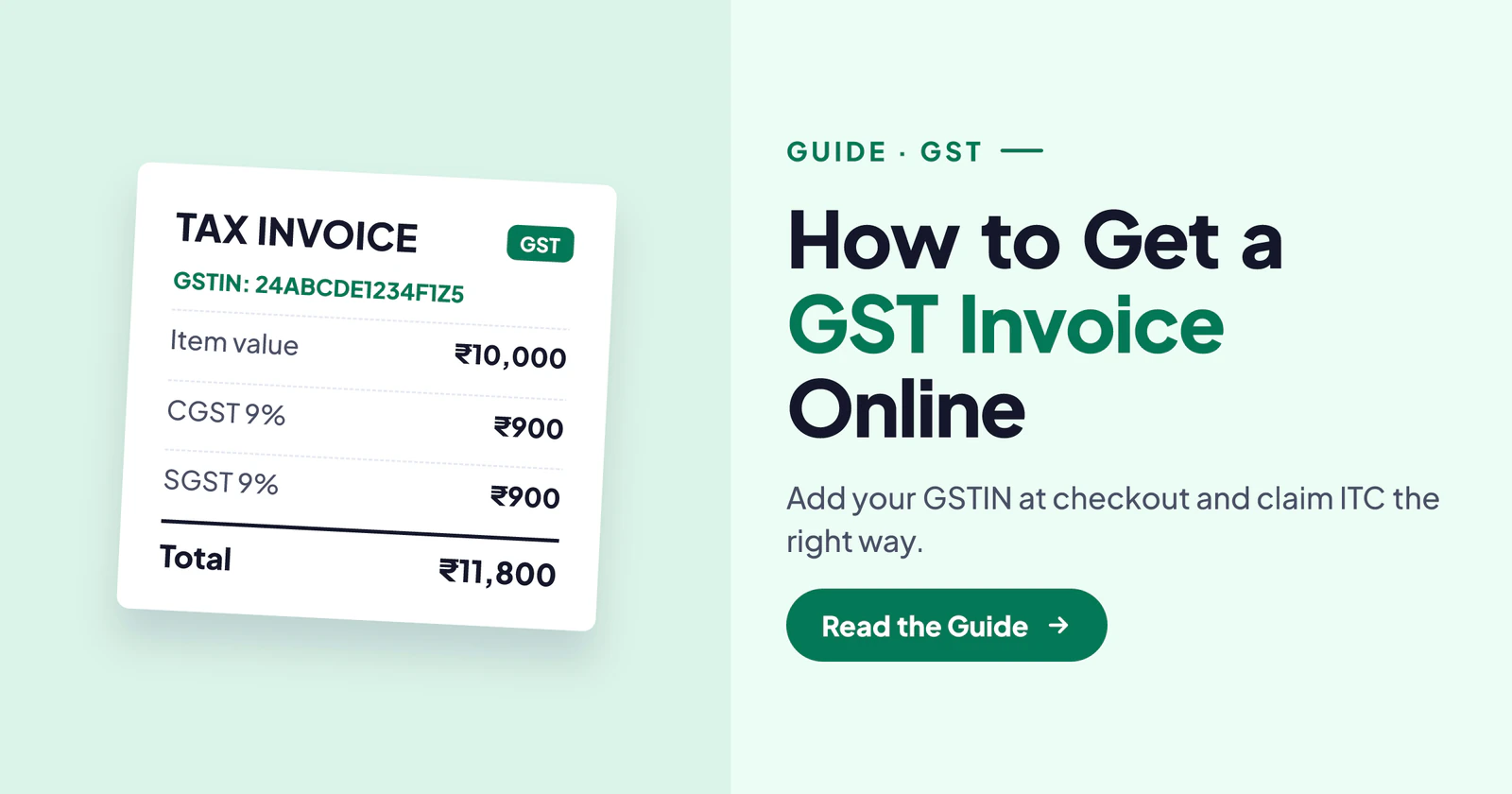
If you run a shop, an office or a small business, you can often claim back the GST you pay on business purchases. But only if the bill shows your GST number. Many people forget to add it while ordering online and then cannot fix it later. In this guide we explain how to get a GST invoice on Amazon and on Flipkart, and what to check before you claim input tax credit (ITC).
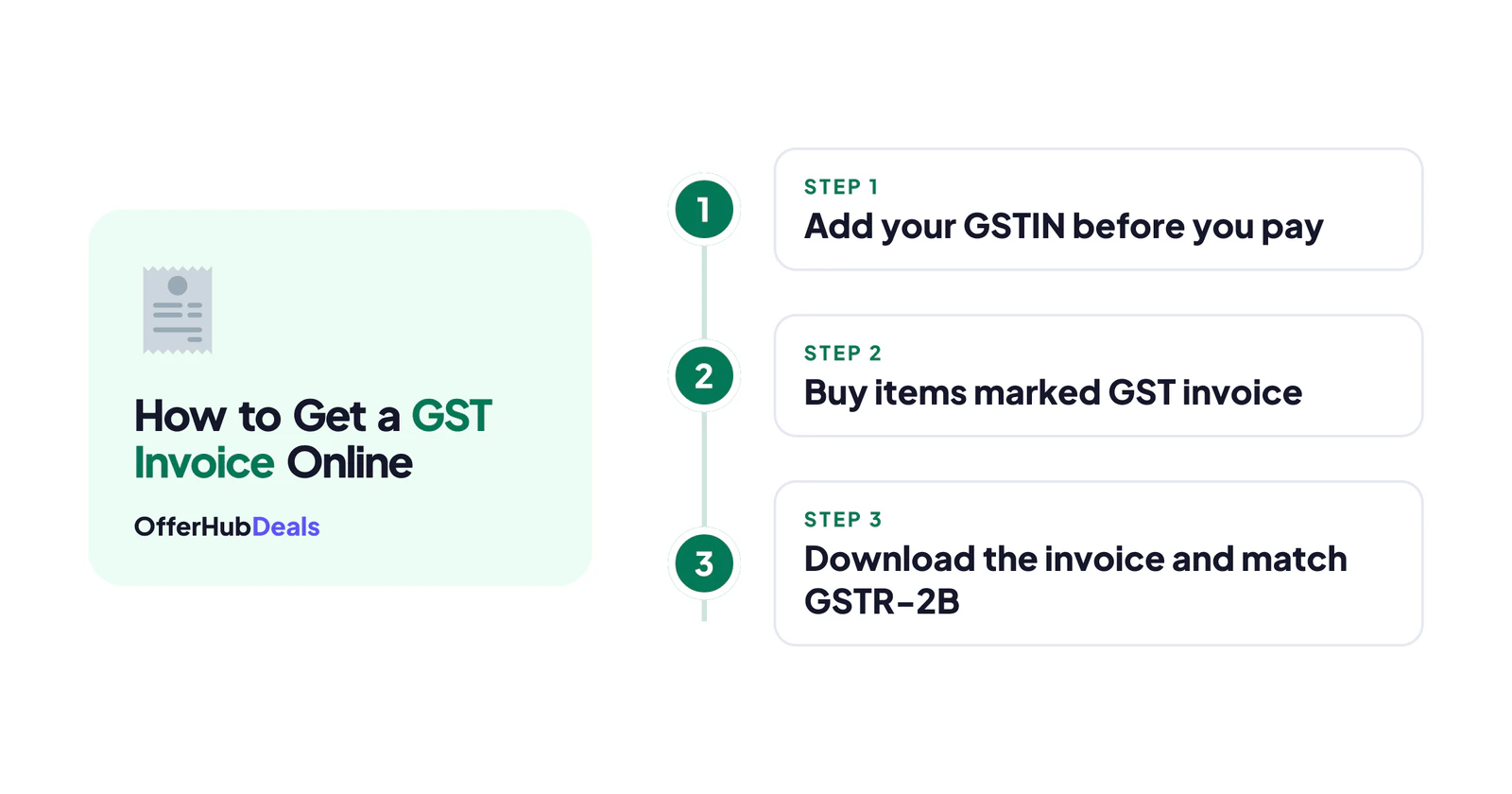
- Add your GSTIN and business name before you pay. It usually cannot be added after the order is placed.
- Only items from sellers who offer GST invoices qualify, so look for the "GST invoice available" note.
- Download the invoice from the order page after delivery.
- Before claiming ITC, check that the purchase shows in your GSTR-2B.
What Is a GST Invoice and Why Does It Matter?
A normal bill shows the buyer as a person. A GST (B2B) invoice, on the other hand, shows your business name and GSTIN. Because of this, the seller reports the sale against your GSTIN, and the tax you paid can become input tax credit. In simple words, it can reduce the GST you pay to the government. You can read the basics of input tax credit on the official CBIC GST site.
| Normal invoice | GST (B2B) invoice |
|---|---|
| Buyer name only | Business name and GSTIN |
| No ITC possible | ITC can be claimed if rules are met |
| Fine for personal use | Needed for business purchases |
How to Get a GST Invoice on Amazon
There are two ways to get a GST invoice on Amazon: during normal checkout, or with an Amazon Business account.
- Look for the GST invoice noteOn the product page, eligible items mention that a GST invoice is available. Not every seller offers it.
- Add your GST details at checkoutOn the checkout page, look for the option to add or use GST details, then enter your GSTIN and business name exactly as registered.
- Check the billing stateMake sure the GSTIN matches the state on your GST registration, so the right CGST/SGST or IGST is charged.
- Download the invoice after deliveryGo to Your Orders, open the order and tap "Invoice" to download the PDF.
Amazon Business is a free business account made for this. It saves your GSTIN, shows GST invoices on eligible items and lets you download invoices in bulk. Therefore, if you buy for your business often, it is the easiest way to get a GST invoice on Amazon every time.
How to Get a GST Invoice on Flipkart
The process on Flipkart is similar:
- Add the product to your cart and go to checkout.
- Look for the GST invoice option on the order summary and tick it.
- Enter your GSTIN and business name, then place the order.
- Download the invoice from My Orders after delivery.
Flipkart also runs business buying options for bulk and GST purchases. However, as with Amazon, the GST option shows only for eligible sellers and products.
What to Check Before You Claim ITC
Getting the invoice is only half the job. So before you claim input tax credit, check these points:
- Your GSTIN and name are correct on the invoice, with no spelling mistakes.
- The seller's GSTIN is printed along with the tax breakup.
- The purchase appears in your GSTR-2B on the GST portal, which means the seller reported it.
- The item is for business use. Some items, like many personal-use goods, are blocked from ITC.
GST Invoice on Amazon for Personal vs Business Buys
Buying a phone for yourself? Then you do not need a GST invoice on Amazon at all; the normal invoice is fine for warranty and returns. However, if the same phone is for your business and you are GST-registered, the GST invoice can help you claim credit. So decide before checkout, because the type of invoice is fixed once you pay.
Common Problems and Fixes
- Forgot to add GSTIN? Usually you cannot change the invoice later. Contact the seller through the order page, but there is no guarantee. Next time, save your GST details in your account.
- GST option not showing? The seller does not offer B2B invoices for that item. Choose another seller.
- Wrong state on the invoice? Check that your GSTIN and billing address are in the same state.
- Invoice not in GSTR-2B? The seller may file late. Wait for the next cycle, then contact the seller.
Final Word
Getting a GST invoice on Amazon or Flipkart is easy if you add your GSTIN before you pay and buy from eligible sellers. After delivery, download the invoice and match it with your GSTR-2B before you claim credit. Buying office gear in bulk? Check our buying guides, today's deals and the Amazon deal finder to pay less. Also see our Diwali gift ideas for employees.
This is general information based on store help pages and GST basics in October 2026, not tax advice. Rules can change; consult a CA for your case.
Frequently asked questions
How do I get a GST invoice on Amazon?
Choose an item that offers a GST invoice, add your GSTIN and business name at checkout before paying, and download the invoice from Your Orders after delivery.
Can I add my GSTIN after placing an order?
Usually no. The invoice is created with the details given at checkout, so add your GST details before you place the order.
Can I claim input tax credit on Amazon and Flipkart purchases?
Yes, for eligible business purchases, if the invoice shows your GSTIN, the seller reports it and it appears in your GSTR-2B. Ask your CA for large or unclear cases.
What is Amazon Business?
A free business account from Amazon that saves your GST details, shows GST invoices on eligible items and lets you download invoices in bulk.