How to Return a Product on Flipkart: Easy Steps, Return Window and Refund Time
Learn how to return a product on Flipkart in a few taps. See return windows, what the pickup agent checks, refund timings and tips to avoid rejection.
Ordered the wrong size? Got a damaged product? Returning something on Flipkart is usually quick, but small mistakes can get your return rejected at the door. So in this guide we explain how to return a product on Flipkart step by step, what the return window means, what the pickup agent checks and how long the refund takes.
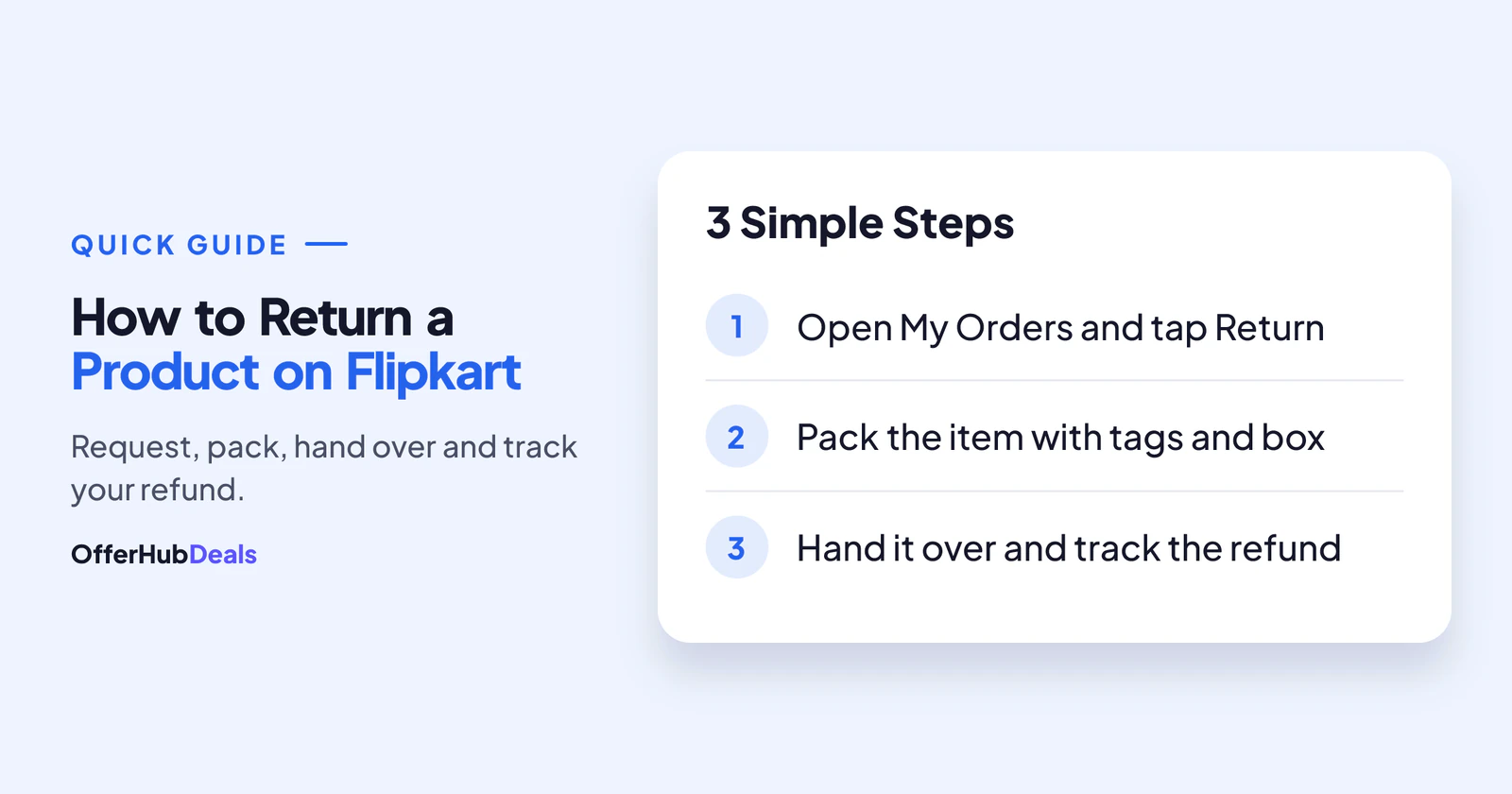
- Go to My Orders → select the item → Return, pick a reason and choose refund, replacement or exchange.
- Return windows are usually between 2 and 10 days, but each product page shows its own policy.
- Keep tags, the original box and all accessories, or the return can be refused at pickup.
- Refunds usually reach you within a few business days after pickup.
Check the Flipkart Return Window First
Every product on Flipkart has its own return policy. You can see it on the product page, just below the price, as a line like "7 days replacement" or "10 days return". However, many people only look at it after delivery, when it is too late.
| Return type | What it means |
|---|---|
| Return (refund) | You send it back and get your money back |
| Replacement | You get the same product again, usually for damage or defects |
| Exchange | Swap for another size or colour, mostly in fashion |
| No return | Some items, like certain personal care or opened goods, cannot be returned |
Return windows usually range from about 2 to 10 days from delivery, and electronics are often replacement-only. Also, the policy on the product page always wins over any general rule, so check Flipkart's returns policy page for the latest details.
How to Return a Product on Flipkart: Step by Step
The whole request takes about two minutes in the app.
- Open My OrdersIn the Flipkart app, tap Account, then Orders, and select the item you want to return.
- Tap "Return" or "Exchange"If you do not see the button, the return window has closed or the item is not returnable.
- Choose the reasonPick the closest reason, such as damaged, wrong item or size issue. Add photos if Flipkart asks.
- Select refund, replacement or exchangeFor refunds, choose where you want the money: the original payment method or another option if offered.
- Confirm the pickup address and dateFlipkart will show a pickup date. Keep the item ready on that day.
Return vs Replacement on Flipkart: Which Should You Pick?
If the product is damaged or faulty but you still like it, choose replacement. You get a fresh piece without paying again. On the other hand, if you changed your mind, ordered the wrong model or found a better price, choose return for a refund, if the product allows it. For clothes and shoes, an exchange for another size is usually the quickest fix.
How to Return a Product on Flipkart From the Website
Prefer a computer? Log in on flipkart.com, open My Orders from the account menu, select the item and click Return. The rest of the steps are the same as in the app, and the pickup is booked the same way.
What the Flipkart Pickup Agent Checks
This is where most returns go wrong. The agent checks the item at your door, and if something does not match, they can refuse the pickup. So keep these ready:
- Original tags still attached. For clothes and shoes, the MRP tag must not be cut.
- Same product and colour. The serial number or IMEI of electronics must match the order.
- Original box and all parts. Chargers, cables, manuals and free gifts must go back too.
- Unused condition. Washed, worn or damaged-by-use items are usually refused.
How Long Does a Flipkart Refund Take?
After a successful pickup, Flipkart usually starts the refund quickly. However, the money takes time to reach you depending on how you paid:
- Flipkart wallet or gift card: usually fastest.
- UPI and bank account: usually a few business days.
- Credit or debit card: usually a few business days, and sometimes longer, depending on your bank.
- Cash on delivery: you add bank details or choose another refund option in the app.
You can track it under the same order. If the refund is late, see our guide on what to do when a refund is not received; the same steps work for Flipkart too.
Common Reasons a Flipkart Return Gets Rejected
- The return window had already closed.
- Tags were removed or the box was missing.
- The product looked used or damaged after delivery.
- A different item or serial number was handed over.
- The item belongs to a no-return category.
If your return is wrongly rejected, contact Flipkart support from the order page, explain calmly and share photos. Also, if your order was cancelled before delivery instead, read why Flipkart cancels orders.
Final Word
Knowing how to return a product on Flipkart is simple once you know the rules: check the window, keep tags and the box, and pack every part. Then track the refund from the order page. For better deals next time, use our Flipkart deal finder and read our Big Billion Days vs Great Indian Festival guide before the next sale.
Return windows and refund times are based on Flipkart's help pages and common buyer experience in October 2026 and can change. The policy shown on each product page applies.
Frequently asked questions
How do I return a product on Flipkart?
Open My Orders, select the item, tap Return, choose a reason and pick refund, replacement or exchange. Then keep the item ready for pickup.
How many days do I have to return on Flipkart?
It depends on the product. Most return windows are between about 2 and 10 days from delivery, and the exact policy is shown on the product page.
Why was my Flipkart return rejected at pickup?
Common reasons are removed tags, a missing box or accessories, signs of use, or a serial number that does not match the order.
How long does a Flipkart refund take after return?
Refunds usually start soon after pickup and reach your account within a few business days, depending on your payment method and bank.