How to Change Delivery Address on Amazon After Placing an Order
Want to change delivery address on Amazon after ordering? See when it is possible, the exact steps, and what to do if your order has already shipped.
You placed an order and then realised it is going to your old flat, your office on a holiday, or your parents' home. Can you still fix it? Often, yes, if you act quickly. In this guide we explain how to change delivery address on Amazon after placing an order, when it is not possible, and what to do if the parcel has already shipped.
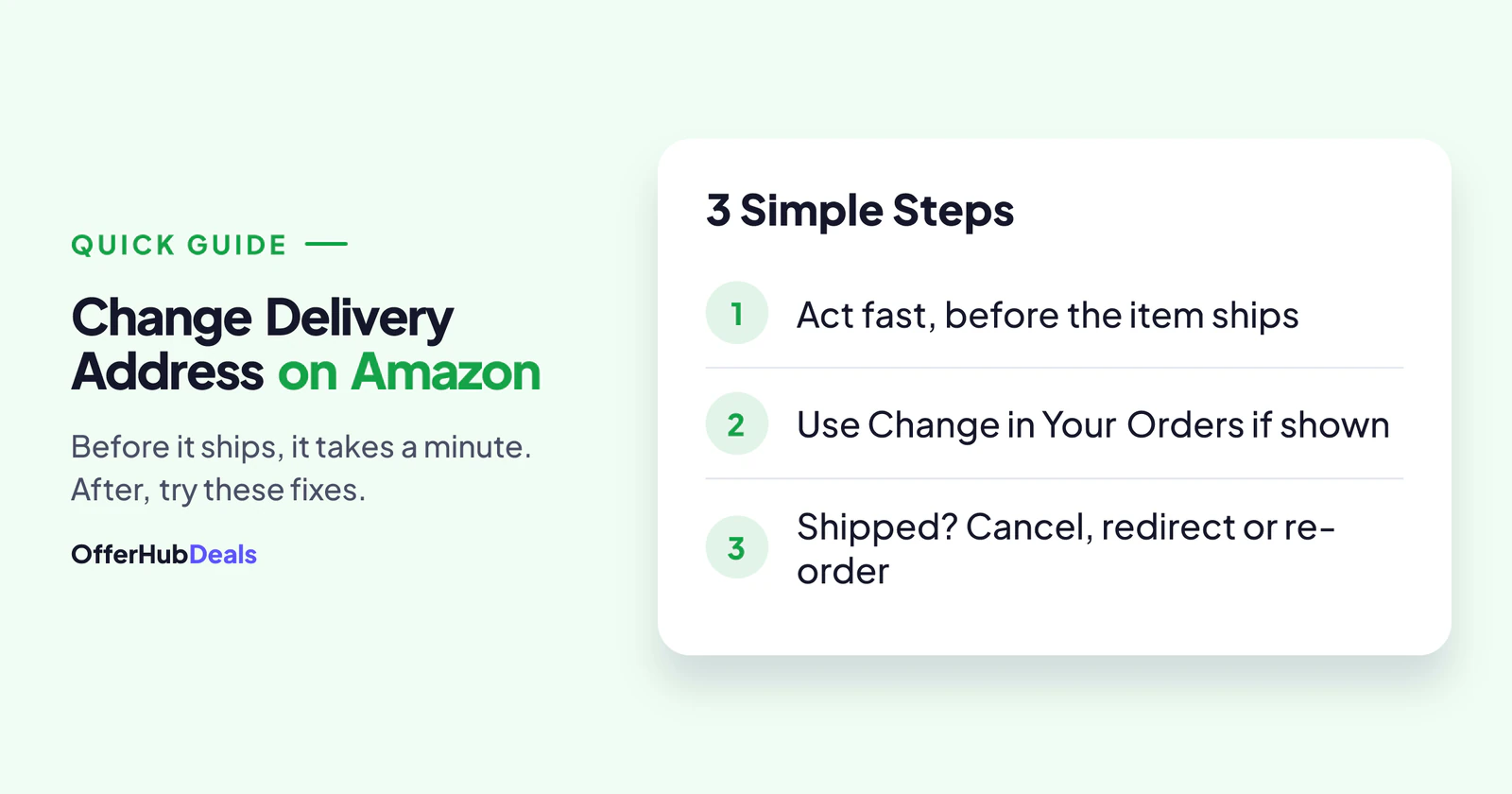
- If the order has not shipped yet, open Your Orders and look for a Change option next to the address.
- If there is no option, cancel the order and place it again with the right address.
- Once it has shipped, the address usually cannot be changed. Try the delivery options or refuse the delivery.
- Orders from some third-party sellers cannot be edited at all.
Can You Change the Delivery Address on Amazon After Ordering?
It depends on one thing: has Amazon started packing and shipping your order? Before that, small changes are often allowed. After that, the address is fixed in the courier's system. Here is a simple view:
| Order stage | Can you change the address? |
|---|---|
| Just placed, not packed | Often yes, if "Change" is shown |
| Packed or "preparing for dispatch" | Usually no; cancel and re-order |
| Shipped or out for delivery | No; use delivery options or refuse |
| Sold and shipped by some sellers | Usually no; contact the seller |
How to Change Delivery Address on Amazon: Step by Step
- Open Your OrdersIn the Amazon app, tap the profile icon, then Your Orders, and choose the order.
- Look for "Change" next to the addressIf Amazon still allows it, you will see an option to change the shipping address.
- Pick or add the new addressSelect a saved address or add a new one with a correct pin code and phone number.
- Check the new delivery dateA new address can change the delivery date or delivery charges, so read the summary before saving.
If the new pin code is not serviceable for that item, Amazon will not accept the change. In that case, cancel and buy it again for the new address.
No "Change" Option? Cancel and Re-Order
When the address cannot be edited, the cleanest fix is to cancel and order again:
- Cancel the item from Your Orders before it ships.
- Wait for the refund, or use a different payment method for the new order. Our guide on refunds not received explains refund timings.
- Place a new order with the correct address.
However, if the item was on a deal, the price may have changed by then. So check today's price first, and if needed look for a similar deal on our Amazon deal finder.
What If the Order Has Already Shipped?
Once shipped, the address usually cannot be changed. Still, you have a few options:
- Ask someone to receive it. A family member or neighbour at the old address can collect it with the OTP.
- Use delivery options. In the tracking page, you may see options to reschedule or add delivery instructions.
- Refuse the delivery. If nobody can receive it, refuse the package. It goes back, and you get a refund once it reaches the seller.
- Contact customer service. In some cases, they can help with a reattempt or the return.
Change Delivery Address on Amazon for a Gift Order
Sending a gift to a friend in another city? It is best to add their full address before you place the order and tick the gift option, so the price is hidden on the packing slip. If you forgot, the same rules apply: change delivery address on Amazon only before it ships, or cancel and re-order. Also, add the receiver's phone number so the courier can call them, not you.
How to Avoid Address Mistakes Next Time
- Set a default address you use most, and delete old ones you no longer need.
- Check the address on the final "Place order" screen. It takes two seconds.
- Add a landmark and a working phone number so the courier can reach you.
- Use the right label, such as "Home" or "Office", so you do not pick the wrong one.
Final Word
To change delivery address on Amazon after ordering, speed is everything. Before the order ships, use the Change option or cancel and re-order. After it ships, ask someone to receive it, use the delivery options or refuse the package for a refund. You can also read Amazon's help page on orders for the latest rules. For more shopping help, see our guide on how to return a product on Flipkart.
Based on Amazon's help pages and common buyer experience in October 2026. Options can vary by item, seller and location.
Frequently asked questions
Can I change the delivery address on Amazon after ordering?
Yes, if the order has not shipped yet and Amazon shows a Change option in Your Orders. Otherwise, cancel and re-order with the right address.
Can I change the address after my Amazon order has shipped?
Usually no. You can ask someone at the old address to receive it, use delivery options on the tracking page, or refuse the delivery for a refund.
What happens if I refuse an Amazon delivery?
The package goes back to the seller, and you usually get a refund once it is received, as per the return policy.
Why can't I edit the address on a seller's order?
Some third-party seller orders cannot be edited after placing. Contact the seller from the order page or cancel before it ships.