HDFC RuPay Credit Card on UPI: How to Link It, the Rules, and Fixes When It Fails
HDFC RuPay credit card UPI guide: link the card in GPay, PhonePe or PayZapp, learn the limits and rules, and fix failed payments fast.
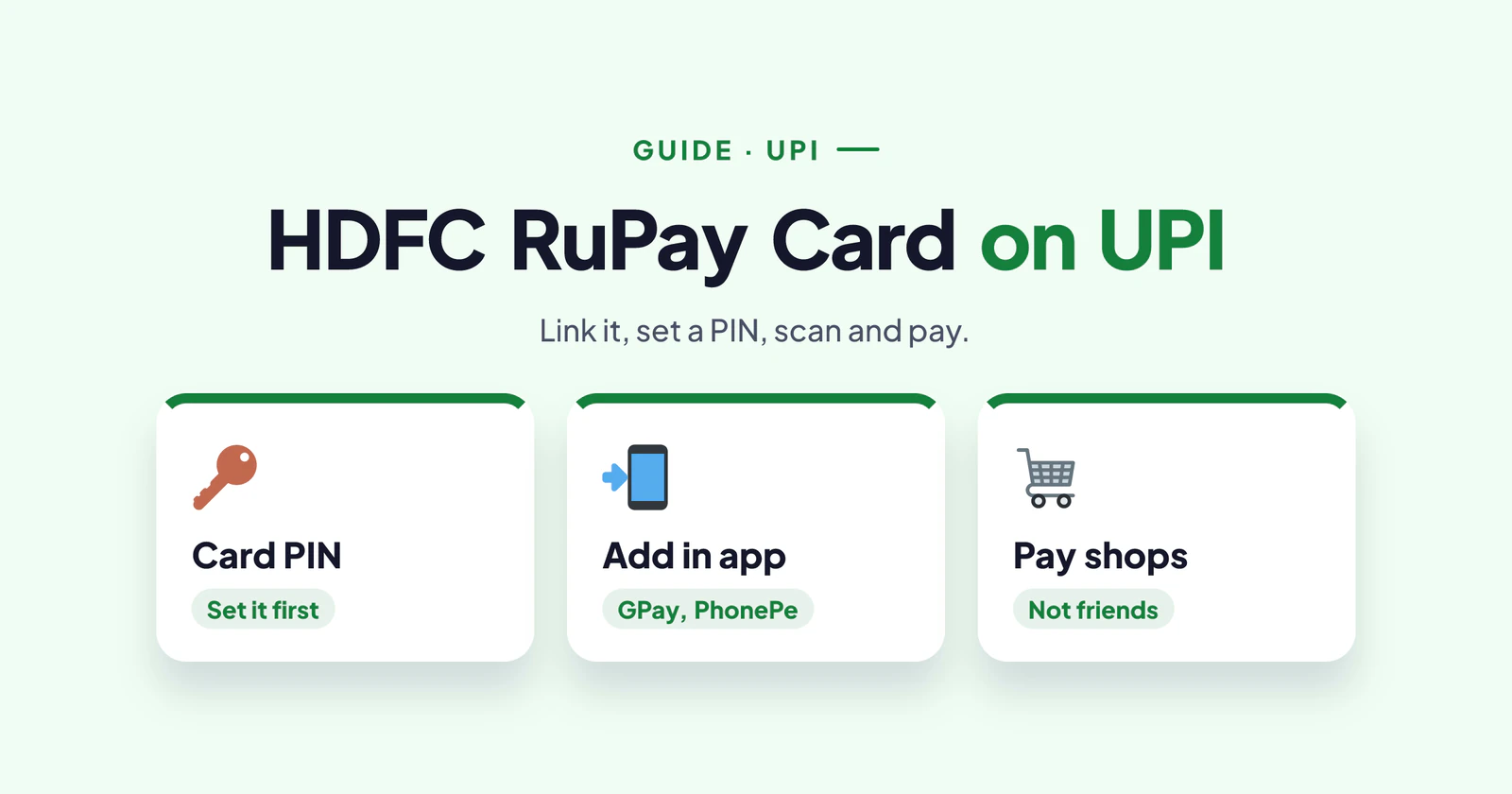
Paying by UPI from your credit card feels a little like magic the first time. You scan the same QR code at the kirana shop, but the money comes from your card, with interest-free days and rewards. So here is how to set up your HDFC RuPay credit card UPI link, the rules nobody explains, and what to do when a payment fails.
Facts checked on 24 October 2026 against HDFC Bank's RuPay credit card page. Fees, rewards and offers change often, so confirm them on the application screen before you apply.
Before You Link Your HDFC RuPay Credit Card to UPI
Only RuPay credit cards work on UPI. So first check the network logo on your card. If it says Visa or Mastercard, it won't appear in UPI apps.
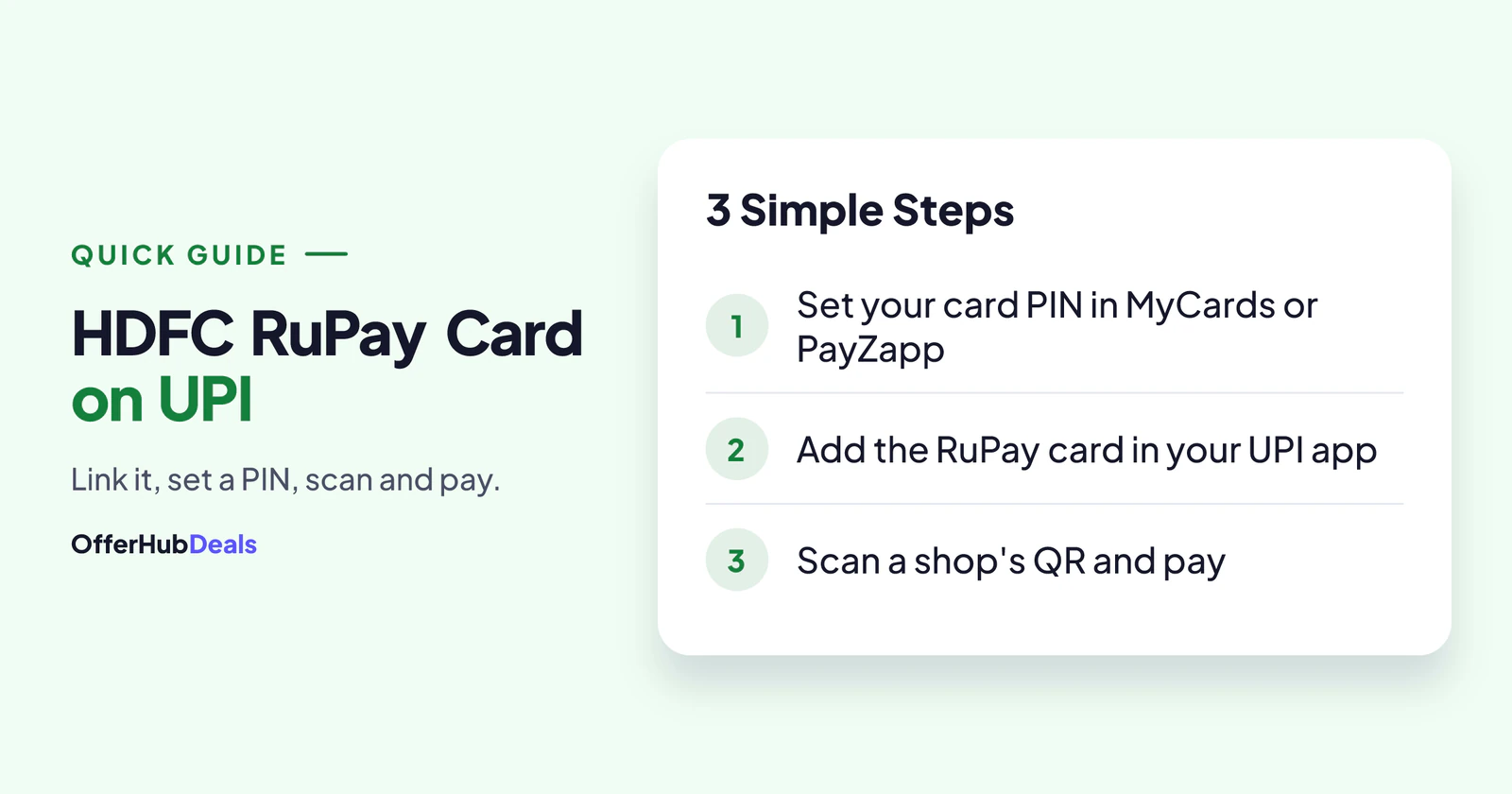
Next, set your card PIN. Your UPI app asks for the card's details and sends an OTP, and some apps need the card PIN to be active. You can set it in HDFC's MyCards portal, in PayZapp or through net banking. Also, keep the phone number registered with HDFC in the same phone.
How to Link Your HDFC RuPay Credit Card to UPI
The steps are almost the same in Google Pay, PhonePe, Paytm, BHIM and PayZapp. Open the app and go to the payment methods section. Then tap "Add RuPay credit card" and pick HDFC Bank from the list.
Next, enter the last six digits of the card and its expiry date. The app sends an OTP to your HDFC-registered number. After you confirm it, set a new UPI PIN for this card. Keep it different from your bank account's UPI PIN, so you always know which one you're paying from.
That's it. When you pay, the app will show your RuPay card as an option next to your bank account. Just choose it before entering the PIN.
The HDFC RuPay Credit Card UPI Rules
You can pay merchants only. That means shops, online stores, restaurants and bill payments. However, you can't send money to a friend or family member from a credit card on UPI, and wallet top-ups are usually blocked too.
How much can you pay? NPCI's FAQ says the limit is the lowest of three things: your card limit, any limit you set yourself, and the bank's own risk limit. For most merchant payments, that works out to about ₹1 lakh per transaction. Some banks also keep a lower limit for the first 24 hours after you link a card.
Rewards depend on your card. For example, the HDFC UPI RuPay card pays 1% to 3% CashPoints, the Tata Neu Plus card gives up to 500 NeuCoins a month on UPI, and the IRCTC card earns 1 point per ₹100. Our main HDFC RuPay guide lists them all.
HDFC RuPay Credit Card UPI Not Working? Try These Fixes
"Card not supported" or the card doesn't show up
Your card is probably on Visa or Mastercard. Otherwise, the app may not have refreshed the bank list, so update it and try again.
The payment fails at a small shop
Many small shopkeepers use a personal QR code, not a merchant one. Credit card payments to these are blocked because they count as transfers to a person. In that case, ask if they have a business QR, or pay from your bank account instead.
"Limit exceeded" or "Transaction declined"
Check your available limit in MyCards. Also, look at the card controls there. If online or UPI payments are switched off, turn them on.
Wrong UPI PIN
After three wrong attempts, UPI blocks payments from that card for some time, usually 24 hours. If you've forgotten the PIN, reset it from the app's card settings with an OTP.
OTP not arriving
The OTP goes to the number registered with HDFC, not just any number on your phone. So use the right SIM, and check that you have network signal.
Everything looks fine, but it still fails
Sometimes the bank's server is simply slow. Wait 10 to 15 minutes and try once more. If money was debited but the payment failed, it usually comes back within a few working days. If it doesn't, raise a complaint with the transaction ID.
Apply for an HDFC RuPay credit card →Affiliate link: OfferHubDeals may earn a commission if your card is approved. It costs you nothing, and it does not change what we write.
Final Word
Once it's set up, your HDFC RuPay credit card UPI link is the easiest way to earn rewards on everyday spends. Just remember the two big rules: it's for paying merchants, not people, and you should clear the full bill every month. If rewards still don't show up, read our CashPoints not credited guide.
More HDFC RuPay card guides
- HDFC RuPay credit card: benefits, fees and which one to pick
- How to apply, and how to check your application status
- Application rejected? Reasons and what to do next
- EMI, PayZapp and SmartBuy explained
- CashPoints not credited? How to get them
- How to close an HDFC credit card safely
- RuPay vs Visa: which network should you choose?
- HDFC vs SBI RuPay credit card
Frequently asked questions
How do I link my HDFC RuPay credit card to UPI?
In your UPI app, choose Add RuPay credit card, pick HDFC Bank, enter the last six digits and expiry, confirm the OTP and set a UPI PIN.
Can I send money to a friend from an HDFC RuPay credit card on UPI?
No. Credit cards on UPI can pay merchants only, not people.
What is the UPI limit on an HDFC RuPay credit card?
The lowest of your card limit, your own set limit and the bank's risk limit. For most merchant payments, that is about ₹1 lakh per transaction.
Why is my HDFC RuPay credit card UPI payment failing?
It may be a personal QR code, UPI or online use switched off in MyCards, a used-up limit, a wrong PIN or a slow bank server.
Rupay credit card UPI se kaise jode?
UPI app mein Add RuPay credit card chuno, HDFC Bank select karo, card ke last 6 digit aur expiry daalo, OTP do aur UPI PIN set karo.