How to Apply for HDFC RuPay Credit Card Online, and Check Your Application Status
How to apply for HDFC RuPay credit card online in 2026: documents, video KYC tips, how to track your application status and what each status means.
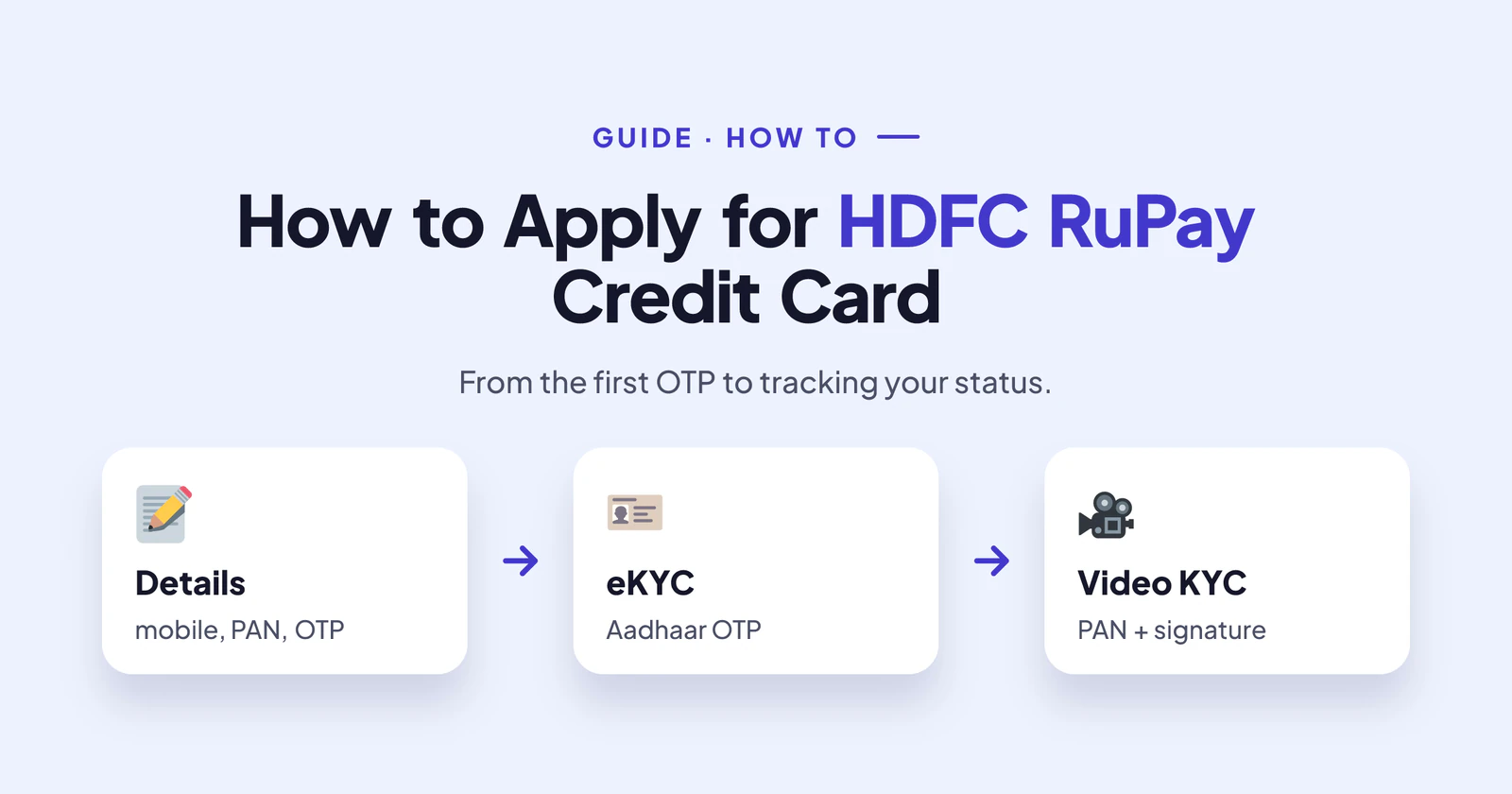
If you have your documents ready, it takes about 20 minutes to apply for HDFC RuPay credit card online. The process is fully digital, and the last step is a short video call. In this guide, I'll walk you through each screen, the small mistakes that quietly cause rejections, and how to track your application afterwards.
Facts checked on 24 October 2026 against HDFC Bank's RuPay credit card page. Fees, rewards and offers change often, so confirm them on the application screen before you apply.
Before You Apply for HDFC RuPay Credit Card
First, decide which card you want. HDFC has several RuPay cards, from Freedom to Tata Neu and IRCTC, and each pays on different spends. Our main HDFC RuPay guide compares them in plain words.
Next, keep these things on your desk: your PAN card, Aadhaar, recent salary slips or bank statements, and a pen with a white sheet of paper for your signature. Also, make sure your mobile number is linked to Aadhaar. If it isn't, the eKYC step will fail, and you'll have to start again.
Finally, plan to do the video KYC from home. Some partners warn that a video KYC done far from your address, roughly more than 50 km away, can get the application rejected.
How to Apply for HDFC RuPay Credit Card, Step by Step
Step 1: Enter your basic details
Open the application page and enter your mobile number, PAN and date of birth. You'll get an OTP to confirm the number. After that, the form shows the cards you can apply for.
Step 2: Choose the card and the RuPay network
Pick your card and, where the form asks, choose RuPay as the network. Since 2024, RBI rules require banks to offer a choice of network when they issue a new card. So if you want UPI, this is the moment to ask for RuPay.
Step 3: Add your work and income details
Then fill in your employer, monthly income and address. Type everything exactly as it appears on your PAN and Aadhaar. A small spelling difference can send the file for manual checks.
Step 4: Finish Aadhaar eKYC
Next, you confirm your identity with an Aadhaar OTP. This fills in your address details automatically.
Step 5: Complete the video KYC
Finally, an HDFC agent joins a short video call. Keep your original PAN card ready, sit in good light, and sign on the white sheet when asked. The call usually takes five minutes. Once it ends, you get a reference number by SMS. Save it.
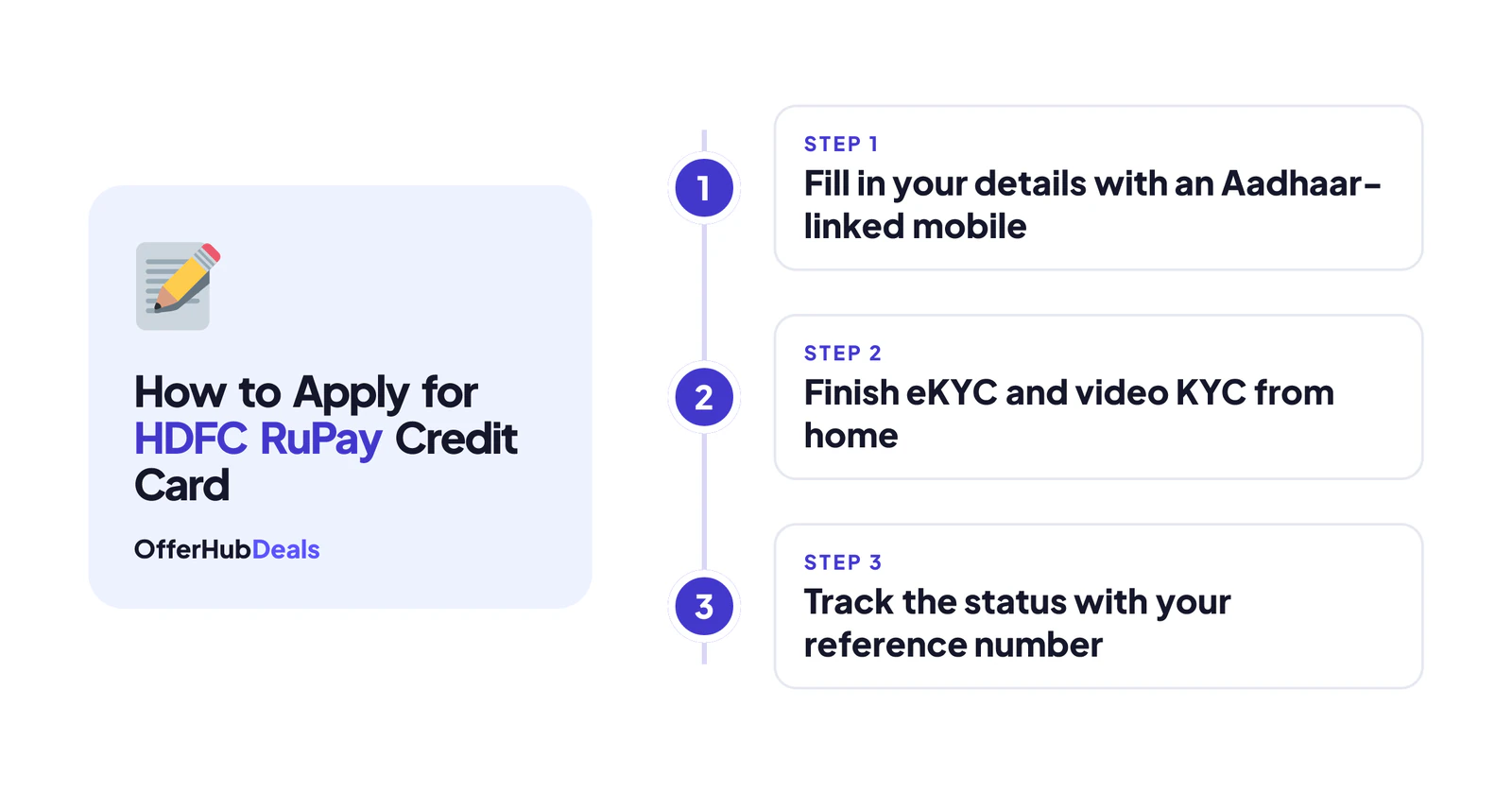
Already an HDFC Customer?
If you already hold an HDFC credit card, you don't need to apply for HDFC RuPay credit card from scratch to get the ₹99 UPI RuPay card. HDFC lets existing cardholders add it inside PayZapp or the MyCards portal. You check eligibility, set a card PIN, confirm with an OTP and then set your UPI PIN. It is a virtual card that shares your current card's limit.
How to Check Your HDFC RuPay Credit Card Application Status
HDFC has an official track your credit card application page. Enter your registered mobile number with any one of these: the application reference number, the form number or your date of birth. HDFC says the status usually shows up within 24 to 48 hours of applying.
Here is what the common statuses mean. "In process" means the bank is still checking your file, so just wait. "On hold" means they need something from you, often a document, so check your SMS and email. "Approved" or "Dispatched" means the card is on its way, and you may get a courier tracking number. "Disapproved" means the application has been declined.
If the status hasn't changed for more than a week, call HDFC customer care with your reference number. If you got a "Disapproved", our rejection guide explains the likely reasons.
After Your HDFC RuPay Credit Card Arrives
Most cards reach you within two to three weeks, although it can vary by city. When it comes, set your PIN in MyCards, PayZapp or net banking. Then make a small purchase to activate it. If you apply for HDFC RuPay credit card and forget this step, the card can be closed.
Don't leave it unused. Under RBI rules, if you don't activate a new card within 30 days, the bank must ask for your consent, and it closes the card if you don't give it. Once it's active, follow our UPI setup guide to start paying by QR code.
Start your HDFC RuPay card application →Affiliate link: OfferHubDeals may earn a commission if your card is approved. It costs you nothing, and it does not change what we write.
Final Word
To apply for HDFC RuPay credit card without trouble, prepare first: an Aadhaar-linked mobile, matching details on every screen and a quiet video KYC from home. Most rejections happen because one of these was missed. So take ten minutes to get them right, and the rest is easy.
More HDFC RuPay card guides
- HDFC RuPay credit card: benefits, fees and which one to pick
- Application rejected? Reasons and what to do next
- Use your HDFC RuPay card on UPI, and fix UPI errors
- EMI, PayZapp and SmartBuy explained
- CashPoints not credited? How to get them
- How to close an HDFC credit card safely
- RuPay vs Visa: which network should you choose?
- HDFC vs SBI RuPay credit card
Frequently asked questions
How do I apply for an HDFC RuPay credit card online?
Enter your mobile, PAN and date of birth, choose the card and the RuPay network, add income details, then finish Aadhaar eKYC and video KYC.
How can I check my HDFC credit card application status?
Use HDFC's track application page with your registered mobile number and your reference number, form number or date of birth.
How long does HDFC take to approve a credit card?
The status shows within 24–48 hours. Approval and delivery usually take one to three weeks, depending on checks and your city.
What documents are needed for an HDFC RuPay credit card?
PAN, Aadhaar, recent salary slips or bank statements, and a photo. Keep a pen and white paper ready for your signature in the video KYC.
HDFC credit card ka status kaise check kare?
HDFC ki track application website par registered mobile number aur reference number ya date of birth daalo. Status 24–48 ghante mein dikhne lagta hai.